
AI Accelerated Python Bootcamp: Learn Python in 8 Days
Build 6 real projects you fully understand (including 4 automations), even if you’ve never written a line of code.
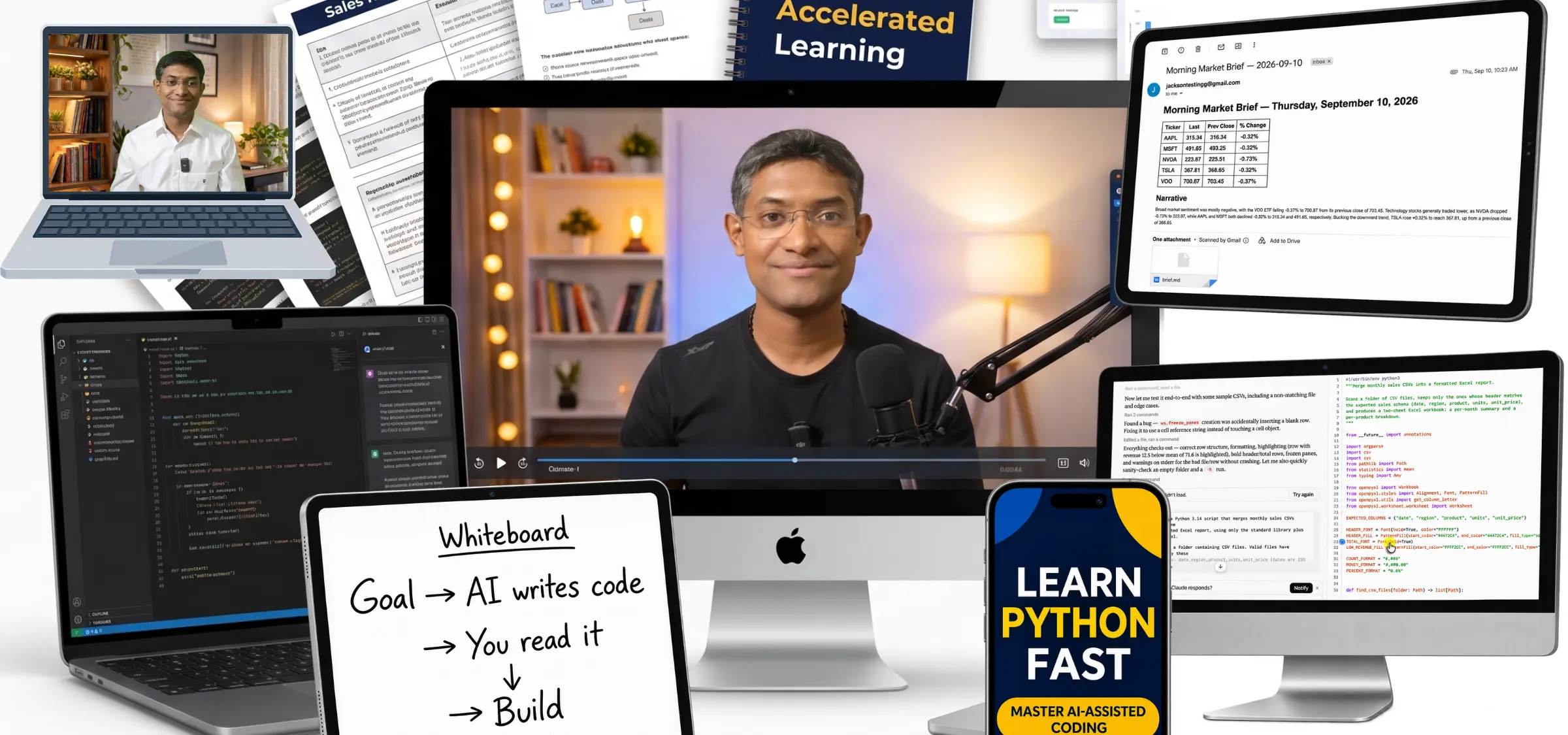
In every profession, from HR and marketing to software development, people who can code with AI are pulling ahead, and the gap grows every month. You can’t close it the slow way!
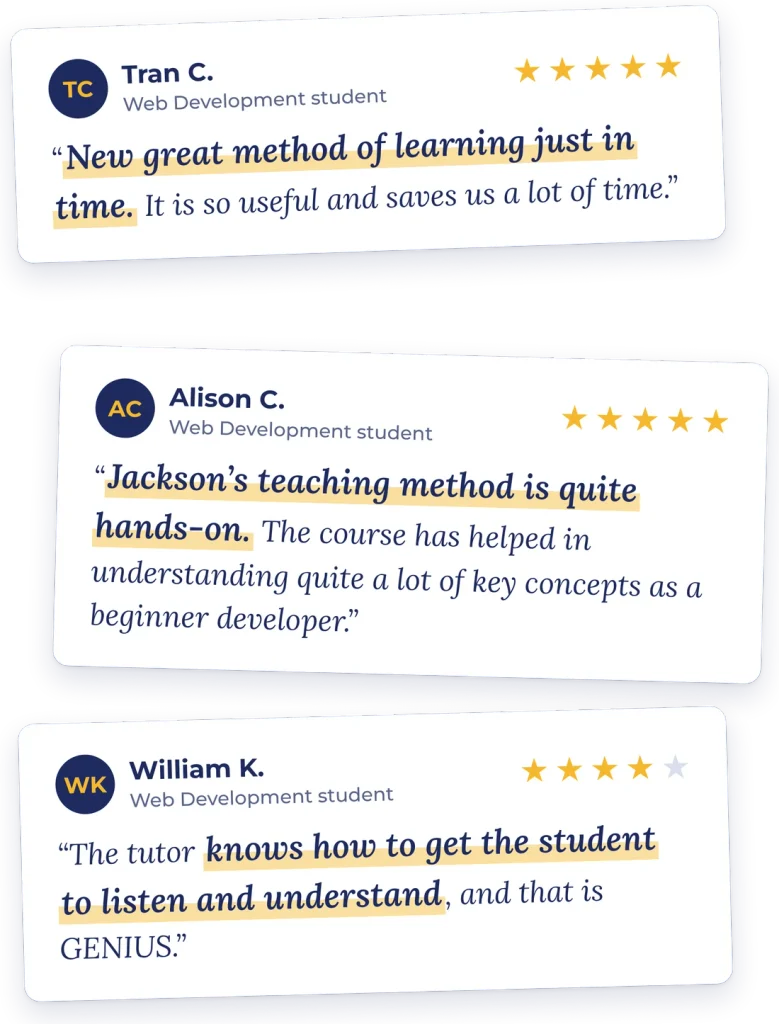
My students call it a new way of learning, one that saves them a lot of time.
It works because AI changes how fast you can learn. You learn the basics, pick a real goal, and AI drafts the code in seconds. Then you read it line by line until you understand it and can make it better. Because AI handles the syntax, you can pick up each new skill exactly when a project needs it, and it sticks.
In this course, that’s how you’ll go from your first script to automations that run on their own, in 8 days.
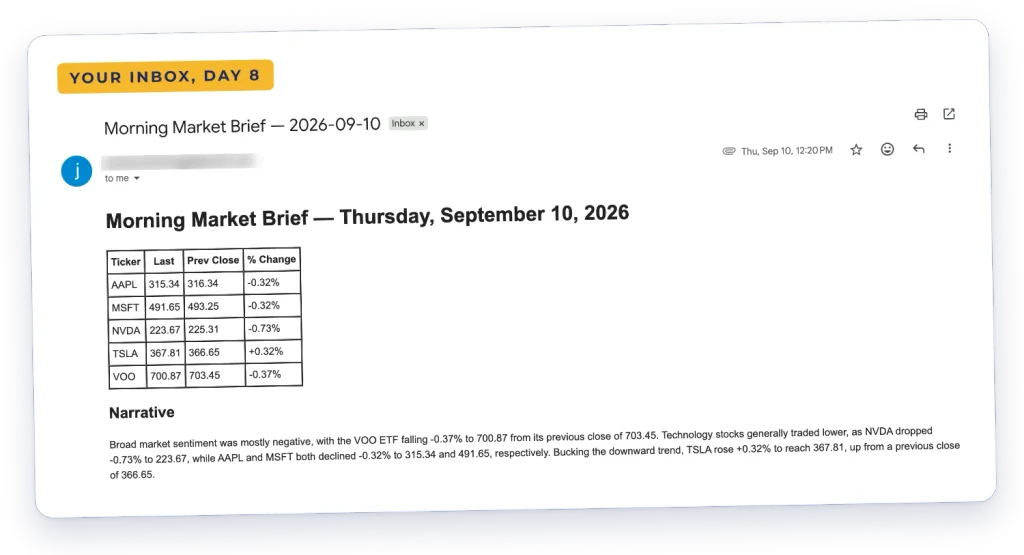
Imagine opening your inbox to this:
A daily market brief: a table of how your stocks moved, plus a plain-English summary written by AI. You didn’t put it together. Your Python script did, using the Gemini API and live Google Search. You build it on Day 8.
By Day 8, code like this won’t scare you:
This is the real script behind that brief. Today it might look like a wall of text. In 8 days, you’ll be able to read it line by line, run it, fix it when it breaks and change it to do your own work.
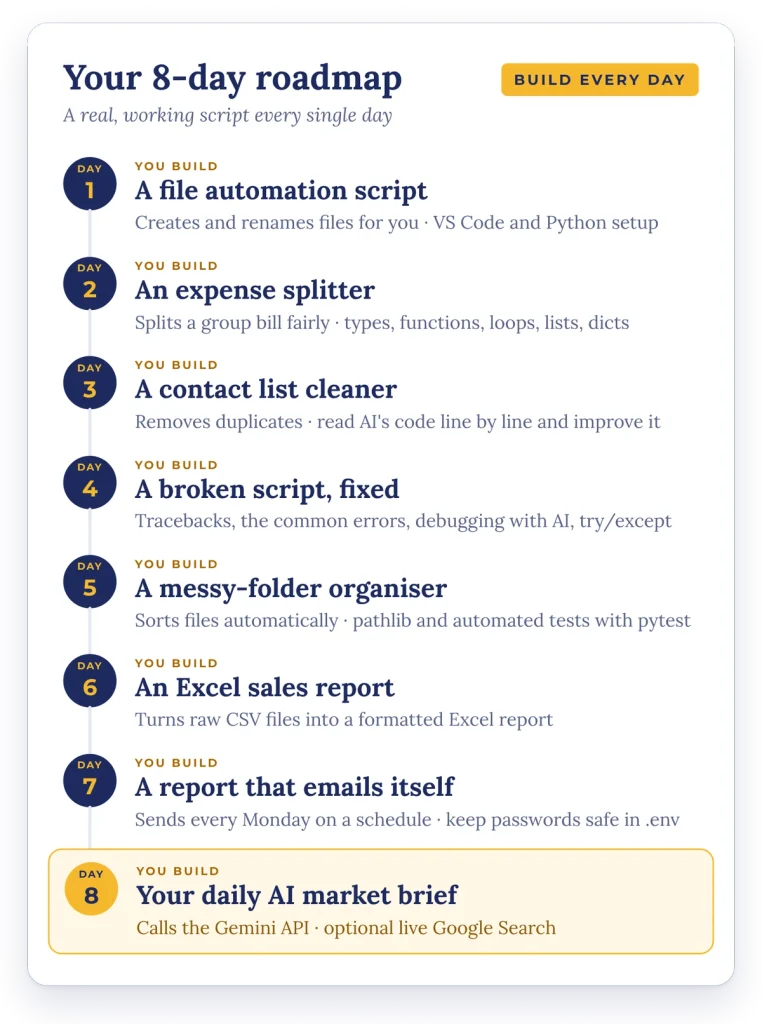
Day 1: you run your first AI-written script. Day 3: you clean up a messy contact list with your own code. Day 7: your sales report emails itself every Monday.
Learning Python this way is very different:
just the basics, then everything else just in time, with AI. ⤵️
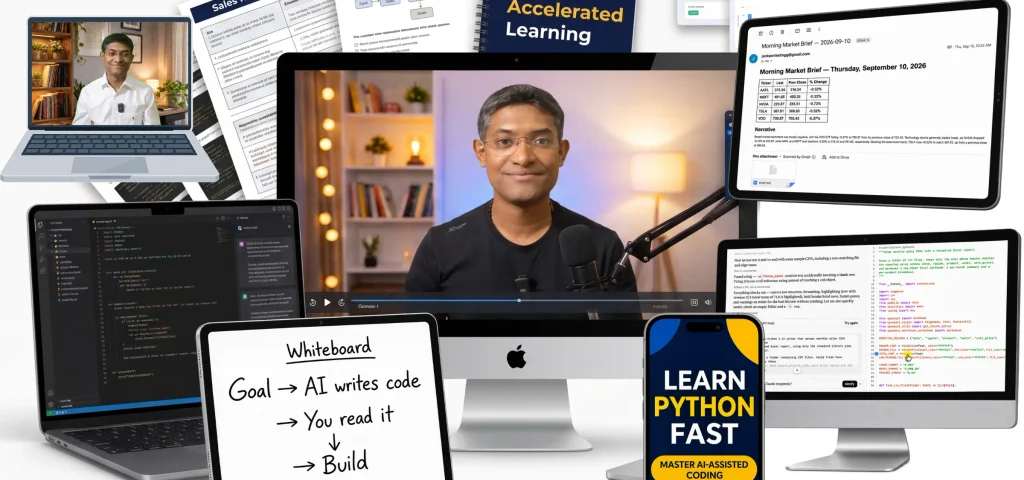
Here’s every lesson inside the bootcamp:
Get Your First Python Code with AI + Set up your coding environment
Run your first AI-written Python script on your own machine.
- Welcome to Day 1
- Resources for this day
- Get your first AI code written – Part 1 (Goal, Prompt)AI drafts it
- Get your first AI code written – Part 2 (Code)AI drafts it
- Prompt
- Setting up Code Editor – VS code
- Installing Extensions for Code editor
- A bit more about the Terminal
- Getting our Environment ready – Python, uv, virtual environment
- Terminal Commands for installing – ready reference
- Running the AI drafted code
- Terminal Basics
- How we will be installing packages
Foundations (to Read Python) + Get the code for Expense Splitter
Learn to read Python, then read and change your first project.
- Welcome to Day 2
- Resources for this day
- The Plan for this section
- Expense Splitter: Goal and PromptAI drafts it
- Expense Splitter: Get the AI written codeAI drafts it
- Expense Splitter: Running the AI written code
- Foundations: Values and Types
- Foundations: Data Types – 1 (int, float, str, bool)
- Foundations: Data Types – 2 (f-strings)
- Foundations: Functions
- Foundations: Read a Script + Make an edit
- Foundations: Decisions (if else statements)
- Foundations: Conditions (comparison, and, or, not)
- Foundations: Loops (for, while, enumerate, loop over files)
- Foundations: List and Dictionary
- Foundations: Indexing, Slicing and Operations
- Foundations: Tuples and Sets
- Foundations: Comprehensions
- Foundations: Nested Lists and Dicts
- Expense Splitter: Read AI written code Line by LineLine by line
- Expense Splitter: Modify it to incorporate a requirement
- Prompt
Reading Practice (with mini Project: Contact Deduplicator)
Read a real script line by line, then improve it with AI.
- Welcome to Day 3
- Resources for this day
- Plan for this Section (+ Contact Deduplicator: Goal and Prompt)AI drafts it
- Get the code with AI (Contact Deduplicator)AI drafts it
- Prompt
- This is your next Task
- Line by Line discussion on Contact Deduplicator + Q&ALine by line
- Q&A discussion Part 2
- Task – Make the Contact Deduplicator better (use AI)
- Solution Discussion
Working on our Debugging and Testing Skills
Read error messages and fix broken code on your own.
- Welcome to Day 4
- Resources for this day
- Reading a traceback
- The big 5 Error Types
- Using Print for debugging
- Using AI for debugging
- The try except pattern
- Do not use try except to hide an error
- Challenge – fix a script
Project 1: Organize Folder Script (with the AI Accelerated Learning Method)
Build a script that tidies a messy folder, with automated tests.
- Welcome to Day 5
- Resources for this day
- Define the Goal – Folder OrganizerAI drafts it
- Get the AI draft (Do not run on a real folder – discussed in the video)AI drafts it
- Prompt 1 (to get the code)
- Introduction to Path
- Organize Folder Script: Line by Line Discussion Part 1Line by line
- Organize Folder Script: Line by Line Discussion Part 2Line by line
- Organize Folder Script: Line by Line Discussion Part 3Line by line
- Improvements to the First Version (+ Prompt to get the improvements done)
- Get the Version 2 Code (with improvements) for Organize Folder Script
- Prompt 2 (to get the code)
- Discuss the Version 2 Code of Organize Folder Script in detail
- Pytest (for test cases to automatically test your code) Part 1
- Pytest (for test cases to automatically test your code) Part 2
- Pytest (for test cases to automatically test your code) Part 3
- Pytest (for test cases to automatically test your code) Part 4
- Pytest Example discussion
- Test Cases for Organize Folder Script (using Pytest)
- The with statement pattern (getting ready for the next Section)
Project 2: Sales Report Generator (with the AI Accelerated Learning Method)
Turn raw sales data into a formatted Excel report.
- Welcome to Day 6
- Resources for this day
- Define the Goal and write the Prompt (Sales Report Generator)AI drafts it
- Get the AI drafted CodeAI drafts it
- Prompt (to get the code)
- Setting Up and Test-Running the AI Draft: Sample Data, Requirements, and First Excel Report
- Warm up lesson: Reading CSV
- Warm up lesson: Writing Your First Excel File
- Warm up lesson: Formatting Basics
- Line by Line discussion on Sales Report GeneratorLine by line
- Refining the first version of Sales Report Generator
- Changes to version 1 code – Part 1
- Changes to version 1 code – Part 2
- Changes to version 1 code – Part 3
- Run the Modified Report Generator
- Test Cases for Report Generator – Part 1
- Test Cases for Report Generator – Part 2
Project 3: Schedule an Automatic Email Report (with the AI Accelerated Learning Method)
Email that report automatically every Monday, from your computer or the cloud.
- Welcome to Day 7
- Resources for this day
- Define the Goal (and Prompt) – Monday Email ReporterAI drafts it
- Get the AI draftAI drafts it
- Prompt 1 (to get the code)
- Env Example file
- Place the code in VS Code
- Get App Password + Run the code
- How to Store Secrets
- Install python-dotenv – A third party library
- Setting up your .env file
- Warm up Lesson: Send Email
- Warm up Lesson: HTML and attachment to an Email
- Monday Email Reporter – Line by Line discussionLine by line
- Improvements to Version 1 (AI draft)
- Split the Version 1 – AI draft into 2 files
- Prompt 2 (to split the code into 2 parts)
- Edits to Version 1 – Part 1
- Edits to Version 1 – Part 2
- Verify our Code
- Mac: Schedule the Monday ReportAutomation
- Windows: Schedule the Monday ReportAutomation
- Using GitHub Actions: Schedule Monday Report – Part 1Automation
- Using GitHub Actions: Schedule Monday Report – Part 2Automation
- Using GitHub Actions: Schedule Monday Report – Part 3 (.yml)Automation
Capstone Project: Stock Market Brief (programmatically call an LLM)
Call an LLM from your own code to write a daily market brief.
- Welcome to Day 8
- Resources for this day
- Install requirements – google gen ai package
- Get a Free Gemini API KeyLive AI
- First Programmatic call to Gemini APILive AI
- Prompt 1 (first Gemini call)
- Market Brief: Define Goal (+ prompt)AI drafts it
- Get the Code with AIAI drafts it
- Prompt 2 (market report)
- Run and Test the AI drafted code
- Line by Line discussion on Market brief – Part 1Line by line
- Line by Line discussion on Market brief – Part 2Line by line
- API Key for doing google searchLive AI
- Testing to get the response including google searchLive AI
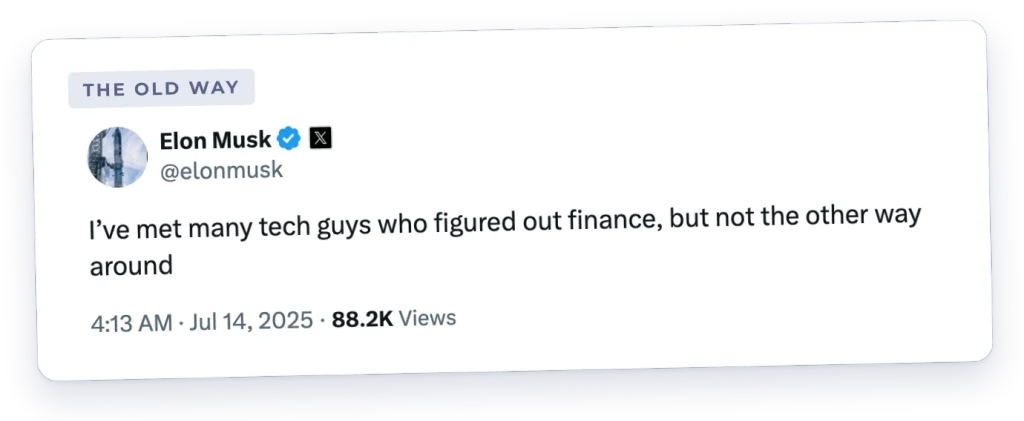
The old way of learning kept coding out of reach:
Learning to code took months, often years, so it stayed a skill for engineers. Tech people could move into other fields, but people in other fields rarely learned tech. Coding was a wall.
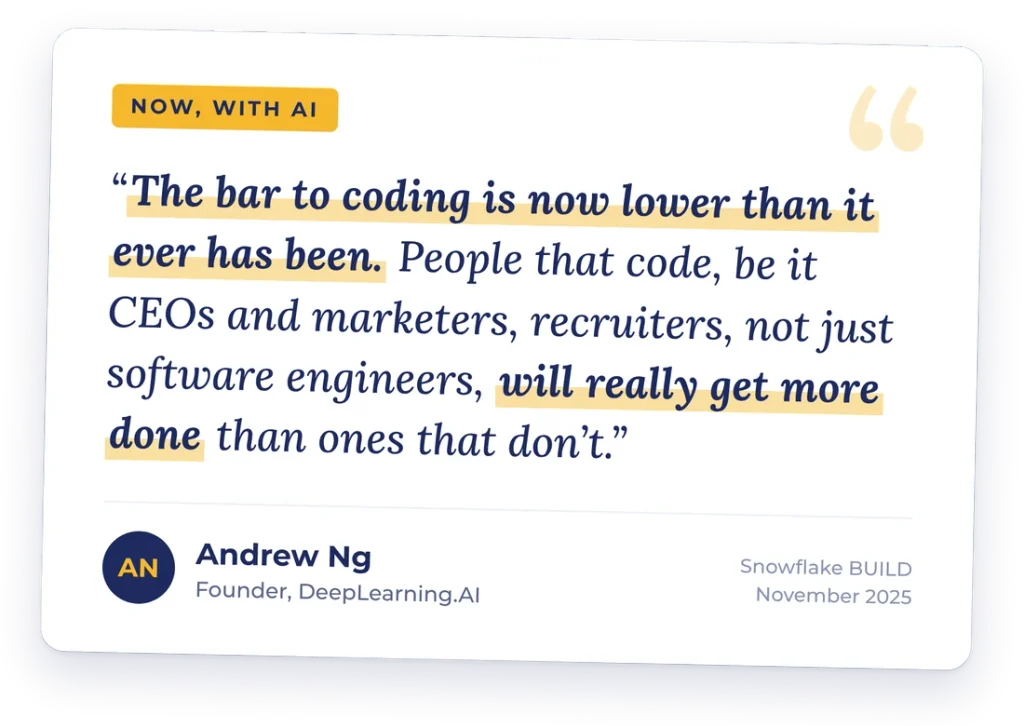
Now, with AI:
AI has lowered the bar to coding. You don’t need years anymore. Whether you’re in HR, marketing or software, if you can read and direct the code AI writes, you’ll get more done than people who can’t.
Here’s what we’ll do together on Day 1
On Day 1, you’ll run your first AI-written Python script on your own machine. I’ll walk you through every step, from setting up VS Code to watching your code run for the first time.
Then, every day is about building
Once the foundations are in place on Day 2, we go through every script line by line. But working code always comes first, because seeing your code actually run is what keeps you motivated to push through and learn Python fast.
The only thing you’re missing is the method, the projects and step-by-step videos guiding you through every line, and I’ll give you all of it when you join today.
Have more questions?
No worries! Just scroll to the FAQ section at the bottom of this page!
Privacy Policy | Refund Policy | Terms of Service
© 2026 Jackson Kailath. All rights reserved.